Replay Mod Guides
Step-by-step articles on downloading, installing, recording, camera paths and rendering with Replay Mod.

Replay Mod Download: Choosing the Right File for Your Version
Match your Minecraft version and loader, pick a trusted source and avoid the most common file mix-ups.
Read guide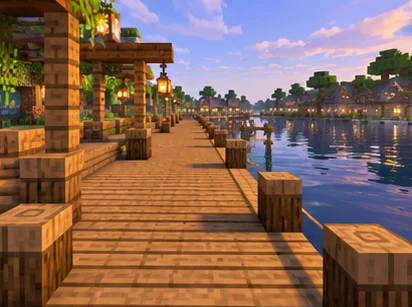
Replay Mod GitHub: Source Code, Branches and Issue Tracking
What the ReplayMod repository contains, what the stable branch ZIP is for and how to file a useful issue.
Read guide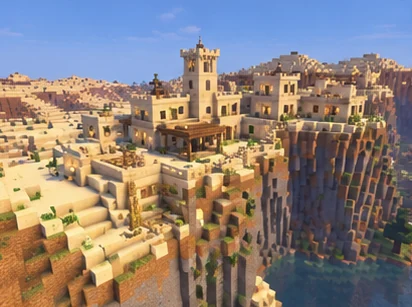
Replay Mod Forge: Setup Notes for Forge Players
Which versions use Forge builds, how to install Forge and what modern Forge players can do.
Read guide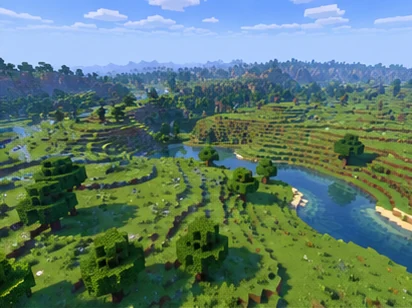
Replay Mod (Fabric): Installing With Fabric Loader
Install Fabric Loader, check dependencies and confirm the mod loads on modern Minecraft versions.
Read guide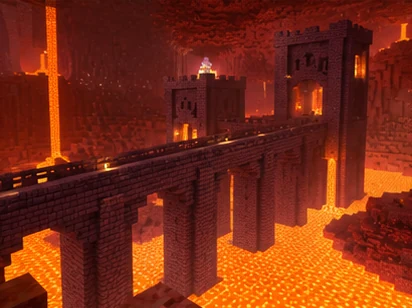
Replay Mod CurseForge: Installing Through Launchers and Modpacks
Create a matching profile, verify listings and add FFmpeg when installing through the CurseForge app.
Read guide
Replay Mod FFmpeg: Setting Up Video Rendering
Install FFmpeg on Windows, macOS or Linux and fix the most common rendering detection issue.
Read guide
Does Replay Mod Work on NeoForge?
What the original project supports, which unofficial NeoForge ports exist and how to test them safely.
Read guide
How to Use Replay Mod?
Record a session, open the Replay Viewer, place keyframes and render your first video.
Read guide
Replay Mod Camera Paths: Keyframes and Smooth Cinematic Shots
Position and time keyframes, interpolation and practical tips for smooth cinematic shots.
Read guide